
Indiana County Court Dockets Defined
A docket is the court's chronological case log. In Indiana County, a docket can identify the court level, docket number, caption, filing date, parties, attorneys, judge, hearing events, orders, dispositions, costs, and sentence or judgment entries. A docket helps track what has happened in a case, but it usually does not display every pleading, exhibit, transcript, or certified document. Those materials are part of the full court record and may require a direct request to the record-holding office.
Indiana County court dockets are split by court level. The Court of Common Pleas is the county's main trial court for criminal, civil, family, estate, juvenile, and other major matters. Magisterial District Courts handle traffic citations, preliminary criminal matters, landlord-tenant cases, summary offenses, and smaller civil claims. The same person's name can appear in both levels if a criminal complaint begins in a minor court and later moves to Common Pleas.
Note: A docket can show case progress, but certified copies must come from the office that keeps the case file.
Find Indiana County Court Dockets Online
The official starting point is the Pennsylvania UJS Web Portal, especially the UJS Case Search page. Indiana County court dockets can be searched as Common Pleas dockets or Magisterial District Court dockets, depending on the case. The statewide portal is broader than a county-only index, so the county filter is useful when searching by name.
- Open UJS Case Search and choose the correct court level before entering search terms.
- Use Court of Common Pleas for felony, misdemeanor, civil, family, and other county trial court dockets.
- Use Magisterial District Courts for traffic, summary, landlord-tenant, minor civil, and preliminary criminal dockets.
- Enter the docket number when available, or use participant name and Indiana County filters to narrow results.
- Open the docket sheet and read entries by date, event type, disposition, and financial status.
For payment-related court dockets, the Prothonotary and Clerk of Courts page points users to PAePay through the statewide portal. PAePay can help locate eligible costs, fines, and fees, but it is not a complete substitute for the docket sheet or the official case file.
Indiana County Docket Fields
Indiana County court dockets commonly show fields that let the reader identify the case and understand its status. Some fields appear in both Common Pleas and Magisterial District Court dockets. Others are specific to criminal, traffic, civil, family, or estate matters. A criminal docket may show charges, bail, plea, sentence, restitution, and costs. A civil docket may show complaint type, judgment, liens, service returns, arbitration status, and orders.
| Field | What It Shows |
|---|---|
| Docket Number | The case identifier used by the court and county office. |
| Caption | The case name, party names, or Commonwealth versus defendant style. |
| Court and County | Whether the docket is Common Pleas, Magisterial District, or appellate, and whether it is tied to Indiana County. |
| Filing or Complaint Date | The date the case or complaint began. |
| Docket Entries | The sequence of filings, notices, hearings, orders, and status updates. |
| Disposition | The result, such as guilty plea, dismissal, withdrawn charge, sentence, or judgment. |
| Financial Entries | Costs, fines, restitution, payments, or balances when displayed by the court system. |
The Indiana County Court of Common Pleas forms page is one source tied to local court docket procedures and filings.
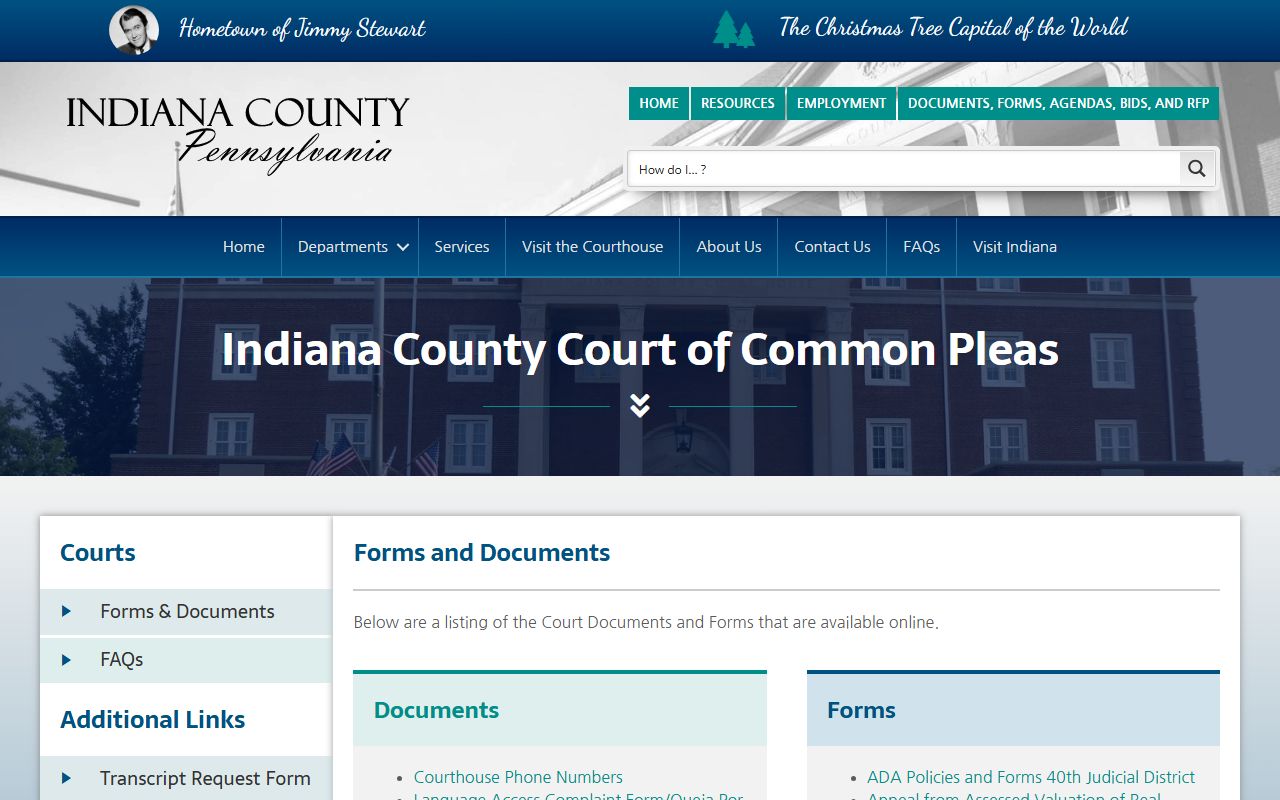
Forms and docket entries are related, but the docket is only the log of what was filed or ordered.
Courts With Indiana County Dockets
Indiana County's docket structure follows Pennsylvania's court hierarchy. The Supreme Court of Pennsylvania sits at the top. The Superior Court and Commonwealth Court handle intermediate appeals. The Court of Common Pleas is the county trial court. Magisterial District Courts are the lower courts for many traffic, summary, landlord-tenant, small civil, and early criminal matters. That hierarchy affects which docket screen to use and which office can provide the full file.
| Court Level | Common Indiana County Docket Use | Search or Request Path |
|---|---|---|
| Court of Common Pleas | Criminal, civil, family, estate, juvenile, and appeals from lower courts. | UJS docket sheets, Prothonotary, Clerk of Courts, or Orphans' Court office. |
| Magisterial District Courts | Traffic citations, summary offenses, preliminary criminal events, landlord-tenant, and minor civil cases. | UJS minor court docket search and the assigned MDJ office. |
| Appellate Courts | Appeals from trial court orders and judgments. | UJS appellate docket search and Pennsylvania appellate courts. |
The county Prothonotary and Clerk of Courts how-to page is an official local source for docket and payment routing.
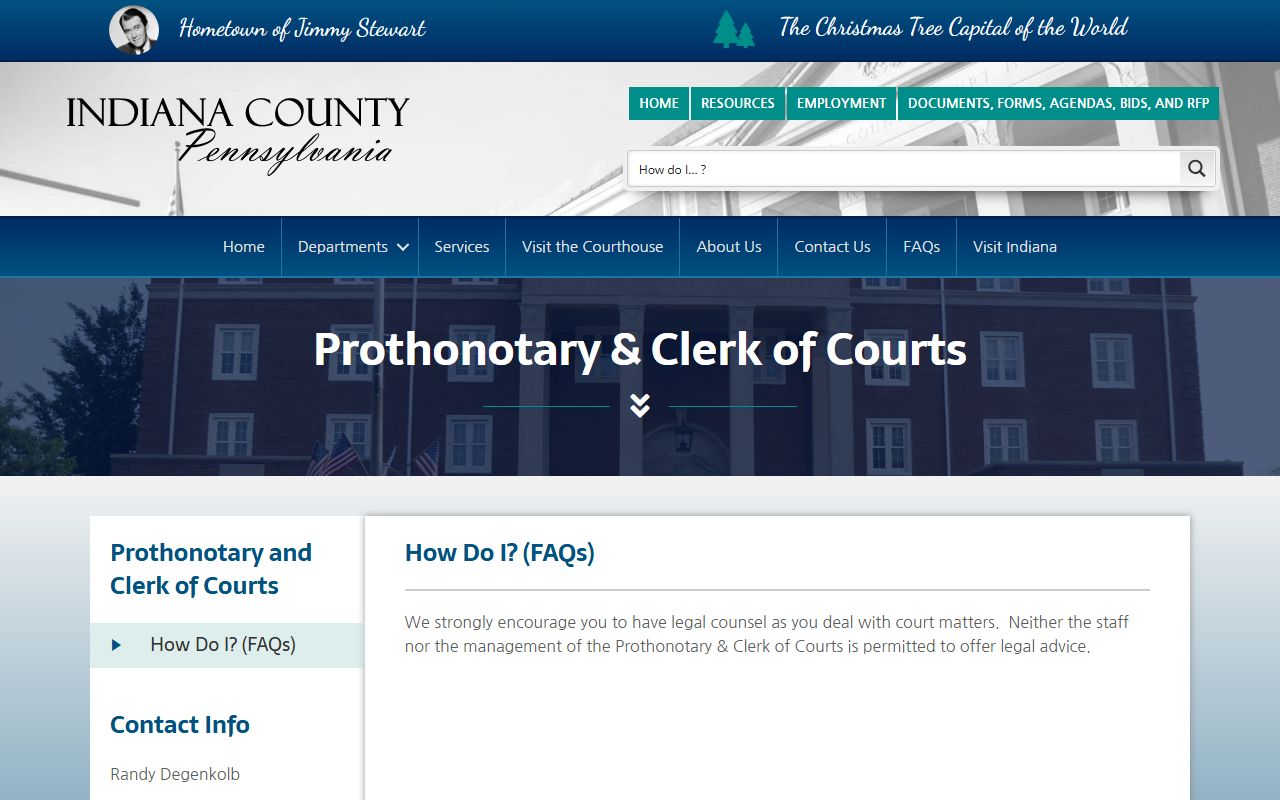
That local office connection is important when a docket sheet confirms the case but the user needs a certified document.
Indiana County Dockets vs Case Records
A docket is often enough to verify that a case exists, check the next hearing, identify a disposition, or confirm that fines and costs were assessed. It is not always enough for legal filing, title work, employment licensing, immigration review, or a court-certified copy need. A full case record may include the complaint, motions, orders, sentencing forms, exhibits, service paperwork, and other documents that are not available from the public docket view.
| Point | Docket | Full Case Record |
|---|---|---|
| Format | Chronological list of events. | Filed documents, orders, and case papers. |
| Online access | Often available through UJS docket sheets. | May require paid portal access, office request, or certification. |
| Common use | Tracking status, hearing dates, dispositions, and financial entries. | Legal proof, certified copies, detailed review, and document-level research. |
| Indiana County office | Use docket number to identify the file. | Request from Prothonotary, Clerk of Courts, Orphans' Court, or MDJ office. |
Read Indiana County Court Dockets
Read a docket from the opening entry forward. In a criminal case, the early docket may show complaint, bail, preliminary hearing, transfer to Common Pleas, arraignment, motions, plea, disposition, sentence, and payment entries. In a civil case, the docket may show complaint, service, answer, motions, orders, judgment, writs, liens, and appeals. In a traffic matter, the docket may show citation, plea, hearing, disposition, costs, and payment status.
Common terms need plain reading. A docket is a date-ordered event list. A disposition is the result. A judgment is a final civil decision or money award. A continuance is a postponement. A subpoena is an order requiring testimony or records. A bench warrant or capias may appear when a person fails to appear or obey a court order. For the full case-file view, Indiana County criminal outcomes are treated in more detail in criminal court records.
Limits on Indiana County Dockets
Indiana County court dockets are public only to the extent allowed by Pennsylvania court policy and statute. Juvenile cases, adoption records, mental-health proceedings, sealed records, expunged records, and some Protection From Abuse details can be restricted. Redactions may also remove Social Security numbers, financial account numbers, protected minor information, and other identifiers from otherwise public records.
When a docket does not show a document, the omission should not be read as proof that the document does not exist. It may be restricted, not imaged, held only at the office, or available only to parties. The practical route is to use the docket number from UJS, then contact the Prothonotary for civil and family matters, the Clerk of Courts for criminal matters, the Register of Wills and Clerk of Orphans' Court for estate matters, or the relevant MDJ office for lower-court cases.